
EN
Scamadviser Risk Score: High Alert Threat Type: Credential Theft / Infostealer Malware Data Volume: 149,000,000+ Records
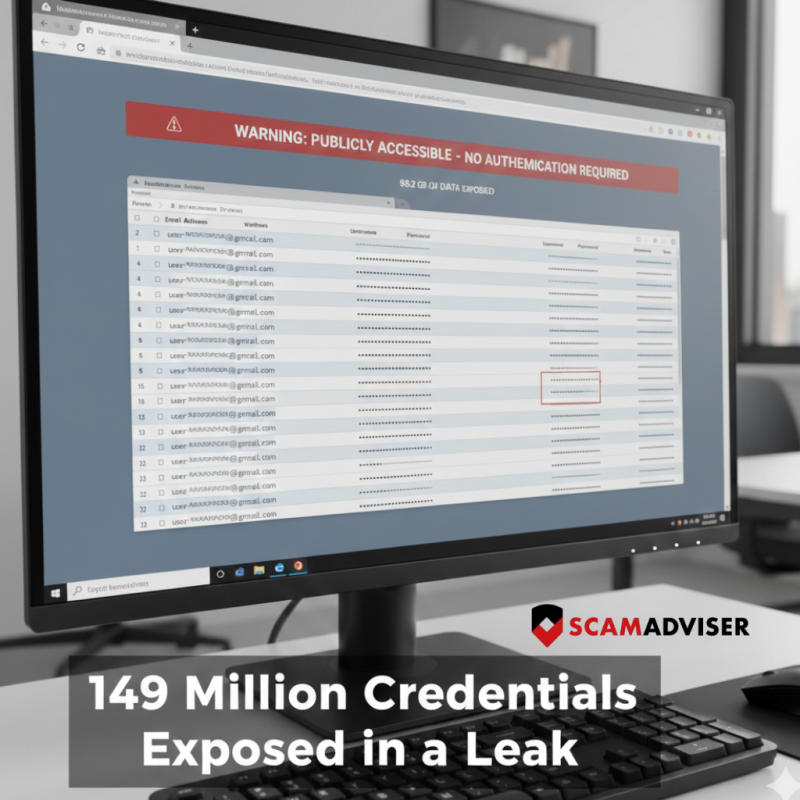
A massive database containing 149 million usernames and passwords has been discovered online, left unsecured for anyone to find. Unlike a traditional "hack" where a single company (like Facebook or Gmail) is breached, this data was likely harvested directly from victims' computers.
At Scamadviser, we analyzed the reports surrounding this 96GB leak. Here is everything you need to know to protect your digital identity.
What Happened?
Cybersecurity researcher Jeremiah Fowler discovered a publicly accessible database containing over 149 million records. The data was not protected by a password, meaning any malicious actor could have downloaded it.
The database included logins for:
Our analysis suggests this wasn't a "server hack." Instead, it appears to be a collection of "Stealer Logs."
Most of this data was likely stolen via Infostealer Malware (such as RedLine or Vidar). When a user downloads a "cracked" game, a fake software update, or opens a malicious email attachment, the malware scrapes every saved password and "session cookie" from their web browser (Chrome, Edge, Firefox).
Following a leak of this magnitude, scammers will go into overdrive. Be on high alert for:
If you use Gmail, Facebook, or TikTok, follow these Scamadviser-recommended steps immediately:
1. Check "Have I Been Pwned"
Enter your email address at [HaveIBeenPwned.com] to see if your data has appeared in recent "Combolists" or Stealer Logs.
2. Kill Active Sessions
Changing your password isn't enough if a hacker has your "Session Cookie."
Gmail: Go to Security > Your Devices > Sign out of all unknown sessions.
Facebook/Instagram: Go to Accounts Center > Password and Security > Where you're logged in.
3. Move to a Dedicated Password Manager
Stop saving passwords in your browser. Browsers are the primary target for infostealer malware. Use a dedicated encrypted manager like Bitwarden, 1Password, or Dashlane.
4. Enable Hardware 2FA
SMS-based codes are vulnerable. Use an authenticator app (Google Authenticator) or, better yet, a physical security key (Yubikey).
One practical way to reduce your exposure after a data leak is to limit how much of your personal information is floating around online in the first place. Services like Incogni help by automatically requesting the removal of your details from data broker sites that collect and resell personal data. This reduces the amount of information scammers can easily access, without requiring you to track down and manage dozens of opt-out requests yourself. Over time, a smaller digital footprint can mean fewer scam attempts and a lower risk of identity misuse.
The 149 million credential leak is a stark reminder that your browser is not a safe vault. If you have downloaded "free" or "cracked" software recently, your credentials are likely in this 96GB file.
Scamadviser Advice: Treat every login as compromised. Use a clean device to change your most important passwords (Banking and Primary Email) and never reuse the same password across multiple sites.
Disclaimer: Some links in this article may be affiliate links. This means we may earn a small commission if you choose to purchase a product or service through them, at no extra cost to you.
