
EN
This article has been updated by Jamie James on June 9 with the latest data and analysis we have found using real user reports and experiences submitted to ScamAdviser.
Just received that terrifying notification? Or perhaps you've noticed suspicious activity in your accounts? Take a deep breath. Your email, password, phone number, home address, payment details, or identity documents may now be in places you cannot control.
But the next steps do not have to be confusing. What matters most is how quickly you act, order, and know which exposed data creates the biggest risk. This guide explains what to do after a data breach, how to check the damage, and how to protect yourself from identity theft, account takeover, and follow-up scams.
The numbers don't lie: according to a 2024 report, the number of data breach victim notices has grown by a staggering 211% year-over-year. This isn't just a distant threat; it's a stark reality many individuals face. We've seen major organizations like Adidas and Qantas grapple with high-profile data breaches, affecting countless customers. This underscores a critical truth: nobody is untouchable. Subsequently, strategic action is the only way to minimize the risk and protect your future.
If you were a data breach victim, follow these steps:
A data breach happens when personal, financial, or account information is accessed, exposed, or shared without permission.
Fake breach notices exist, and they often use panic to make you click. Go to the company’s official website by typing the address into your browser. Do not use links from an unexpected email or text.
Check the company’s newsroom, customer support page, or official social media accounts. If the message sends you to a login page, copy the URL and check it with the ScamAdviser website checker before entering any details.
You can also search your email address in trusted breach-checking tools such as Have I Been Pwned. Treat the result as a warning sign, not a full diagnosis. A breach database may show that your email appeared in a leak, but the original company notice should explain what type of data was exposed.
Not every data breach creates the same danger. A leaked email address may lead to spam and phishing. A password exposed in a data breach can lead to account takeover, especially if you reused it. A leaked Social Security number, national ID, passport number, or bank account detail can create longer-term identity and financial risks.
Use this order of priority:
Data Exposed Main Risk First Action Email or Phone number Phishing and impersonation Watch messages and calls closely Password Account takeover Change it everywhere you reused it Credit Card Unauthorized charges Contact the card issuer Bank Account Details Payment fraud Contact your bank ID Number or SSN Identity theft Freeze or protect credit where available Medical or Tax Data Record misuse Contact the provider or tax authorityAct fast, but follow the right order. Start with the accounts that can cause the most damage if someone gets access.
Change your main email password first. Then check recovery phone numbers, backup emails, active sessions, and email forwarding rules.
Change the breached password immediately. If you reused it anywhere else, change those accounts too because criminals may test leaked passwords on other websites.
Turn on multi-factor authentication for email, banking, payment apps, cloud accounts, and social media. Use an authenticator app or security key when possible.
Check recent logins, connected devices, password changes, and security alerts. Sign out of unknown devices after changing the password.
Your breached data is being sold right now. Hackers aren't the only threat; data brokers are collecting the personal information that was just exposed (name, address, phone, etc.) and selling it to spammers, marketers, and identity thieves. This information is used to craft highly convincing phishing attacks designed to steal your money.
You need to cut off this data flow.
Manually removing your data from hundreds of brokers is nearly impossible. That's why services like Incogni exist—they automate this tedious and critical process for you. Don't wait for your information to be used against you.
➡️ See how Incogni can automatically remove your data from 2,420+ sites today!
If payment or bank account details were exposed, contact your bank or card issuer. Ask about a replacement card, transaction alerts, or account monitoring.
If you already see unauthorized charges, follow ScamAdviser’s guide on how to dispute a scam charge.
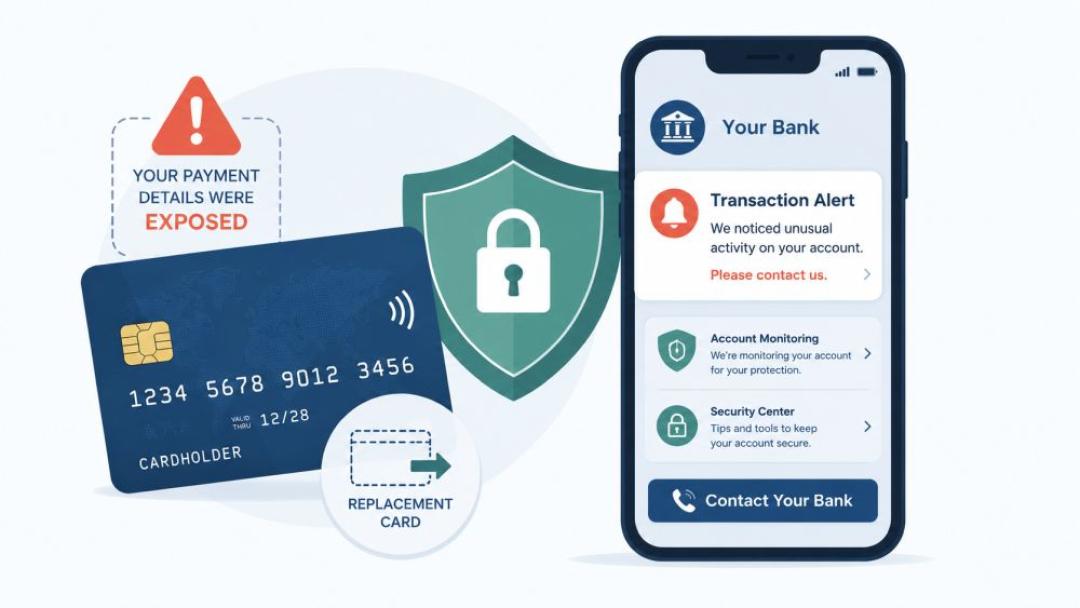
Keep breach emails, letters, screenshots, transaction records, and support case numbers. These records can help with disputes or identity theft reports.
A company breach does not always mean your device is infected. Run a malware scan if you clicked a suspicious link, downloaded a file, or noticed strange device behavior.
If your Social Security number, national ID, passport, driver’s license, or tax information was exposed, treat the breach as an identity risk. In the US, consider a credit freeze or fraud alert with the major credit bureaus. A credit freeze can make it harder for someone to open new credit in your name.
Outside the US, contact your bank, national identity authority, local consumer protection agency, or credit reference agency where available. ScamAdviser’s guide to trusted agencies by country can help you find the right reporting route.
If a child’s data was exposed, keep all records and check whether your country allows a child to freeze their credit or file a protected consumer report. Child identity theft can stay hidden for years because children rarely use credit.
A breach can make later scams more believable. A message that includes your real name, phone number, address, or old password may look official, but that does not prove it is safe.
Be careful with messages that say “verify your account,” “claim your compensation,” “your refund is ready,” or “secure your identity now.” Go directly to the company’s website instead of clicking. If a suspicious website appears in the message, check its Trust Score on ScamAdviser and compare it with ScamAdviser’s guide on how to recognize a scam website.
Report phishing pages, fake recovery services, and scam messages through Report a Scam. Your report can help warn other users.

A data breach can cause problems weeks or months later. Turn on alerts for bank transactions, password changes, new device logins, and credit inquiries. Review bank statements, payment apps, email security alerts, and account recovery settings.
If medical or insurance data were exposed, check explanation of benefits statements and bills. If tax data was exposed, check your national tax account and follow official guidance before the next filing season.
For a full understanding of why automated data removal is essential, read on. Your exposed data is not only in the hands of hackers, but it is also collected, packaged, and sold by data brokers—companies that monetize your personal information.
Incogni automates the entire process, acting as your authorized agent to file mandatory data removal requests:
➡️ Ready to secure your privacy? Click here to protect your identity with Incogni!
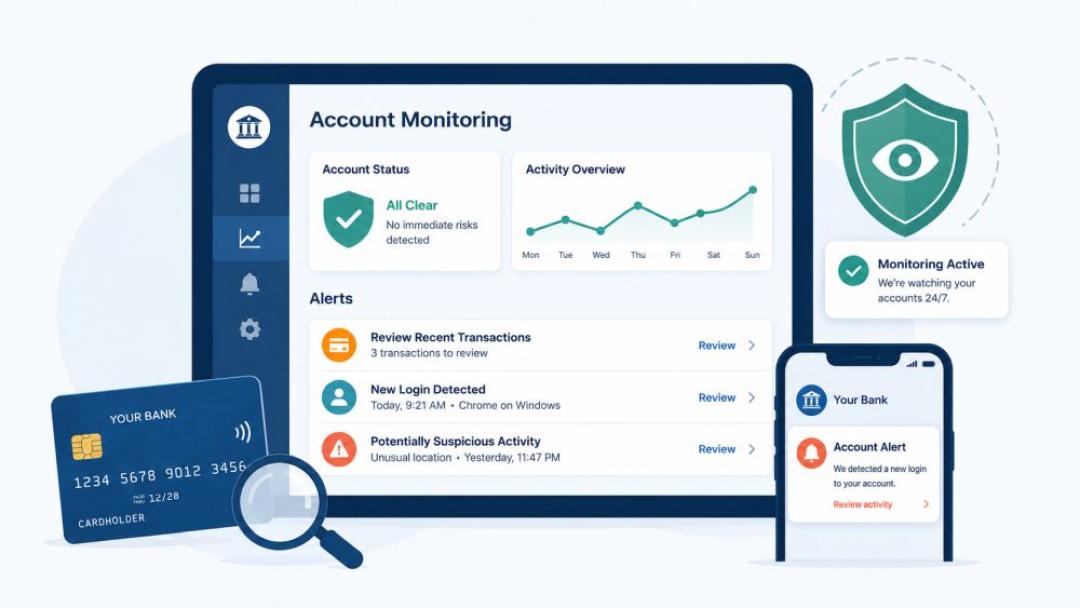
A data broker service may be helpful to reduce future risk.
Verify the breach through official sources. Identify what data was exposed. Secure your email account. Change exposed and reused passwords. Enable multi-factor authentication. Contact your bank if financial details were involved. Protect your identity if government or tax data was exposed. Watch for follow-up scams and report suspicious websites.
What is the first thing to do after a data breach?
A data breach victim should verify the notice, secure their email account, change reused passwords, and contact their bank if financial details were exposed.
What should I do if my password was exposed in a data breach?
Change it immediately, replace similar passwords on other accounts, and enable multi-factor authentication.
What should I do if my personal information is compromised?
Check what data was exposed, protect financial accounts, monitor identity records, and report any misuse to the correct authority.
Should I freeze my credit after a data breach?
Consider a credit freeze if sensitive identity data, such as an SSN or national ID, was exposed.
How can I tell if a data breach email is fake?
Verify the notice through the company’s official website and avoid links in unexpected emails or texts.
Can a data breach lead to identity theft?
Yes, especially when the breach exposes identity numbers, tax records, financial details, or account recovery information.
Disclaimer: Some links in this article may be affiliate links. This means we may earn a small commission if you choose to purchase a product or service through them, at no extra cost to you.
