
EN
This article was updated by Jamie James, based on the latest reports submitted by real users to ScamAdviser, using the reporting function.
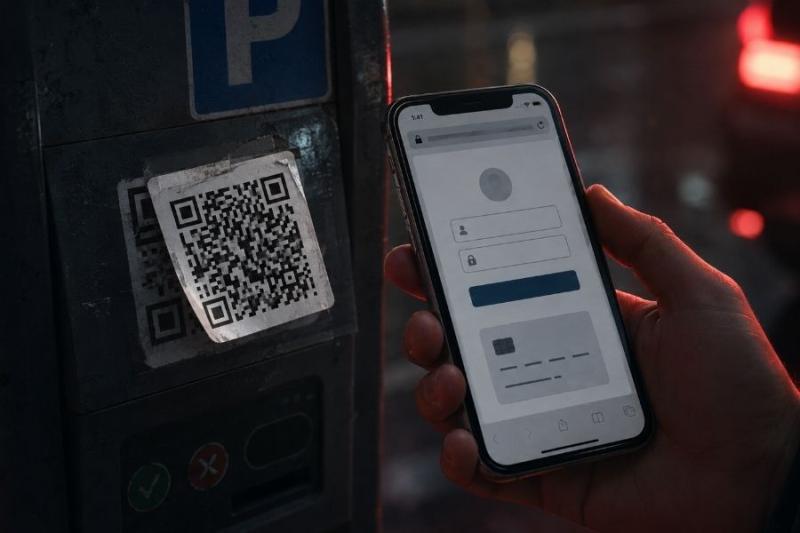
You see a QR code on a parking meter, a restaurant table, or a delivery notice. You scan it because that is what you are supposed to do. A page opens, it looks familiar enough, and nothing seems strange at first.
That small moment of trust is what QR code phishing depends on. Also known as quishing, the scam uses a QR code to send you somewhere you did not expect, often a fake login or payment page. Microsoft Threat Intelligence recorded 7.6 million QR code phishing attacks in January 2026 and 18.7 million in March, a 146% increase over the quarter.
QR code phishing is basically phishing with one extra step. Instead of sending you a normal link and hoping you click it, the scammer puts that link inside a QR code.
That works because you cannot tell where a QR code leads just by looking at it. You have to scan it first. The FTC has warned that malicious QR codes can send people to spoofed websites that copy real login pages, payment portals, or other familiar services.
The QR code itself may look completely normal. What matters is the page behind it.
A QR code phishing scam usually starts with something that feels routine. Maybe you are told to pay a parking fee, verify an account, or track a parcel. The QR code is simply the shortcut that takes you to the scam.
A typical attack works like this:
Attackers also use QR codes because they can hide links inside images. Microsoft found that PDF attachments accounted for 70% of the QR phishing attacks it detected in March 2026. QR codes placed directly inside emails also rose sharply during the same period.
The easiest place to hide a fake QR code is somewhere you already expect to find one.
Parking is a good example because people are usually in a hurry. You park, see a QR code, scan it, and want to get the payment done.
The FTC has received reports of scammers placing their own QR-code stickers over legitimate parking codes. The fake page may look like the real parking operator's site, but your payment details go somewhere else.
If the sticker looks new, crooked, or appears to cover another code underneath, avoid it. Open the parking company's official app or website yourself.
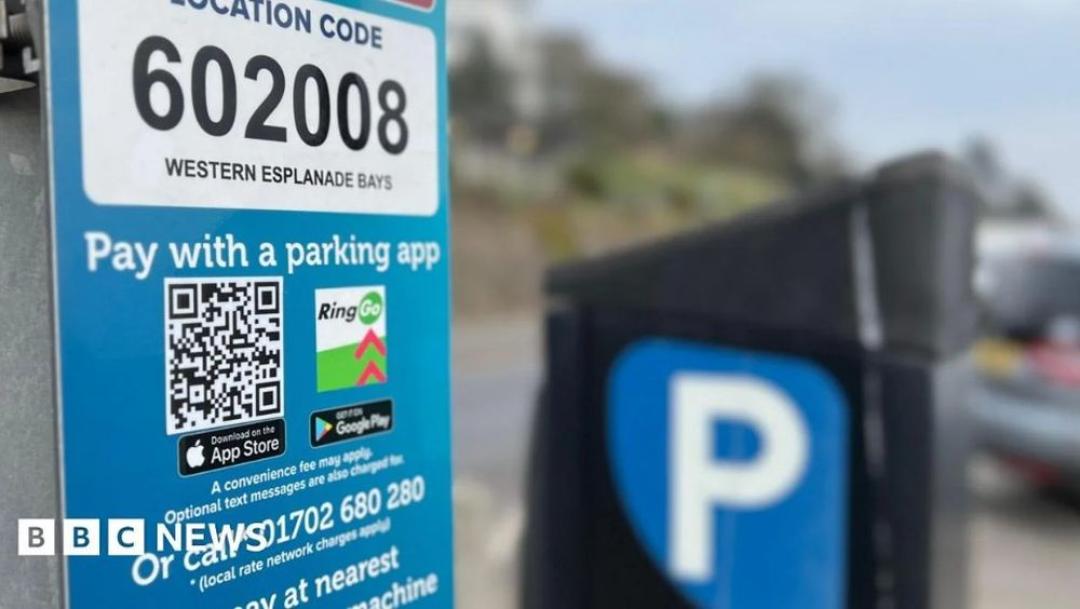
Be careful with QR codes on parking meters (Image Credit: BBC News)
Restaurant menus and public QR codes
QR-code menus have become normal enough that most people scan them without thinking much about it.
A normal menu link should simply open the restaurant's page or menu. If it suddenly asks you to sign in, download something, or enter card information, that is a reason to stop.
You can also ask a member of staff whether the code belongs to the restaurant. It takes a few seconds and removes the guesswork.
A message says your parcel could not be delivered. There is a QR code underneath and a short note telling you to scan it to reschedule.
That can feel believable, especially if you are actually waiting for a package.
The FTC has warned about parcel scams that use QR codes in messages and even inside unexpected packages. Some codes lead to fake courier websites that ask for a small redelivery fee or personal information.
If a delivery request looks unusual, open the courier's official site yourself and enter the tracking number there.
Scammers also use QR codes in fake bills, account warnings, and payment notices.
In April 2026, the FTC warned about fake traffic-violation messages that included QR codes and threatened extra action if the recipient did not pay. The messages were designed to look official, which made the payment request seem more believable.
When money is involved, avoid using the QR code in the message. Find the organisation's official website yourself and check whether the payment request is genuine.
QR codes can also be used to approve account logins.
Discord, for example, has a legitimate QR login system. You scan a code on a computer and approve the login through your phone. Scammers can abuse that same process by convincing you to scan a code they created.
You might see it described as “server verification,” “account verification,” or access to a giveaway. If the Discord app suddenly asks you to approve a login you did not start, cancel it. Discord itself warns users not to approve QR-code logins they did not initiate.
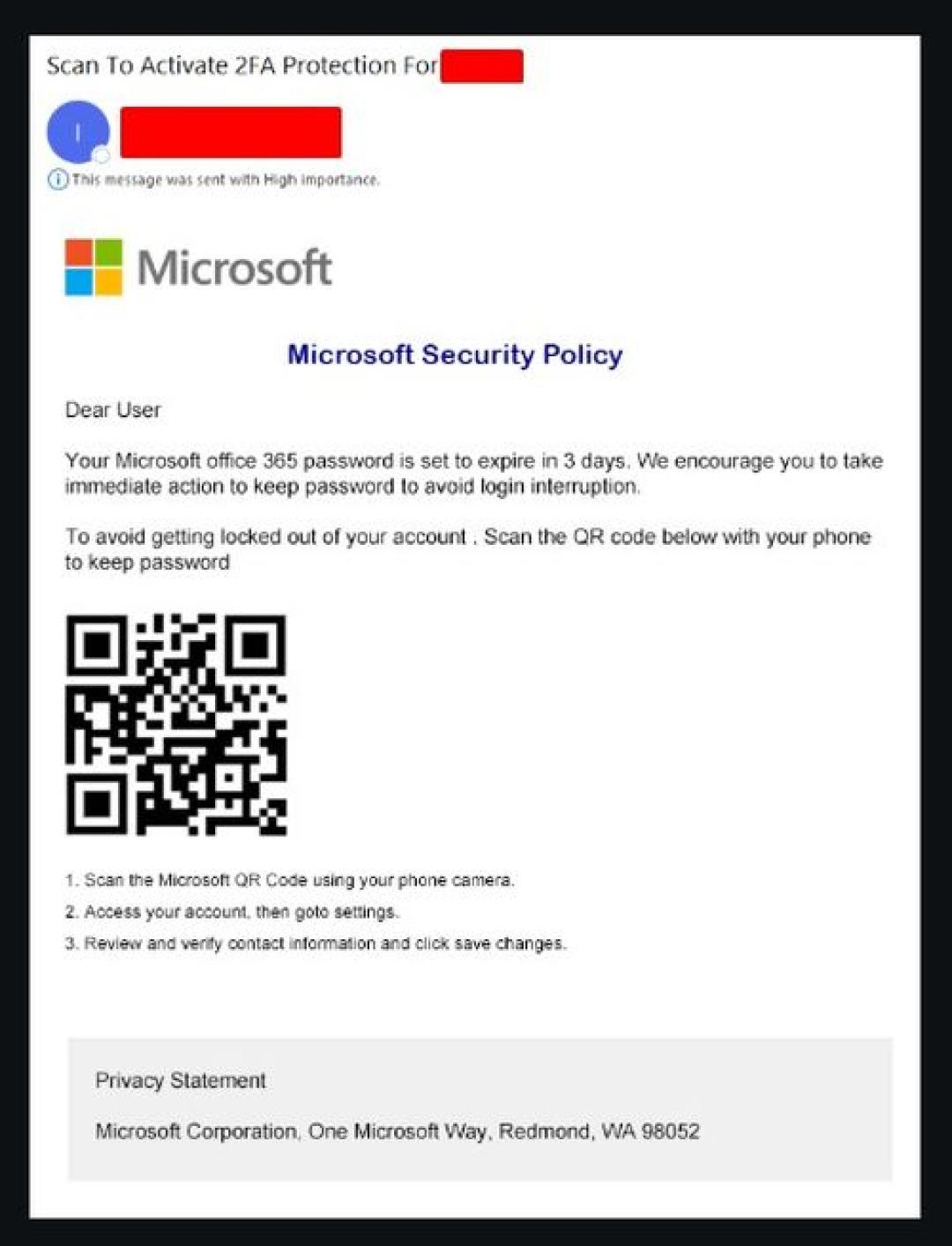
Here in this example, you can see a Reddit user getting a QR code phishing email directly to their business email, so it is not only personal emails (Image Credit: Reddit)
The most useful moment to stop a QR phishing scam is after the scan, before you type anything.
Look at the web address first. A fake page may have the right logo and the right colours, but the domain can tell a different story.
Watch for:
Do not use HTTPS as proof that the site is safe. Scam websites can have HTTPS too. It only means the connection between your phone and that website is encrypted.
If you do not recognise the domain, use a scam website checker before entering anything.
If you enter a password, the scammer may try it on the real service. If you enter card or bank details, they may use them for payments or sell them to someone else.
An approved login request can also give another device access to your account. If the page asks you to download something, there is also a chance you are being pushed toward malware or another unsafe app.
The fake page does not need to look perfect. It only needs to look believable long enough for you to submit something.
If the page copied a normal sign-in screen, our guide on how to recognize a phishing scam explains more signs that can help you spot it.
You do not need to avoid every QR code you see. You just need to slow the process down when the code asks you to do something sensitive.
If the page asks for payment, you can also check our guide to safe ways to pay online before using an unfamiliar site.
Scanning the code does not automatically mean your account or bank details are compromised.
What matters is what happened next.
You can also report the scam website so the domain and your experience are recorded.
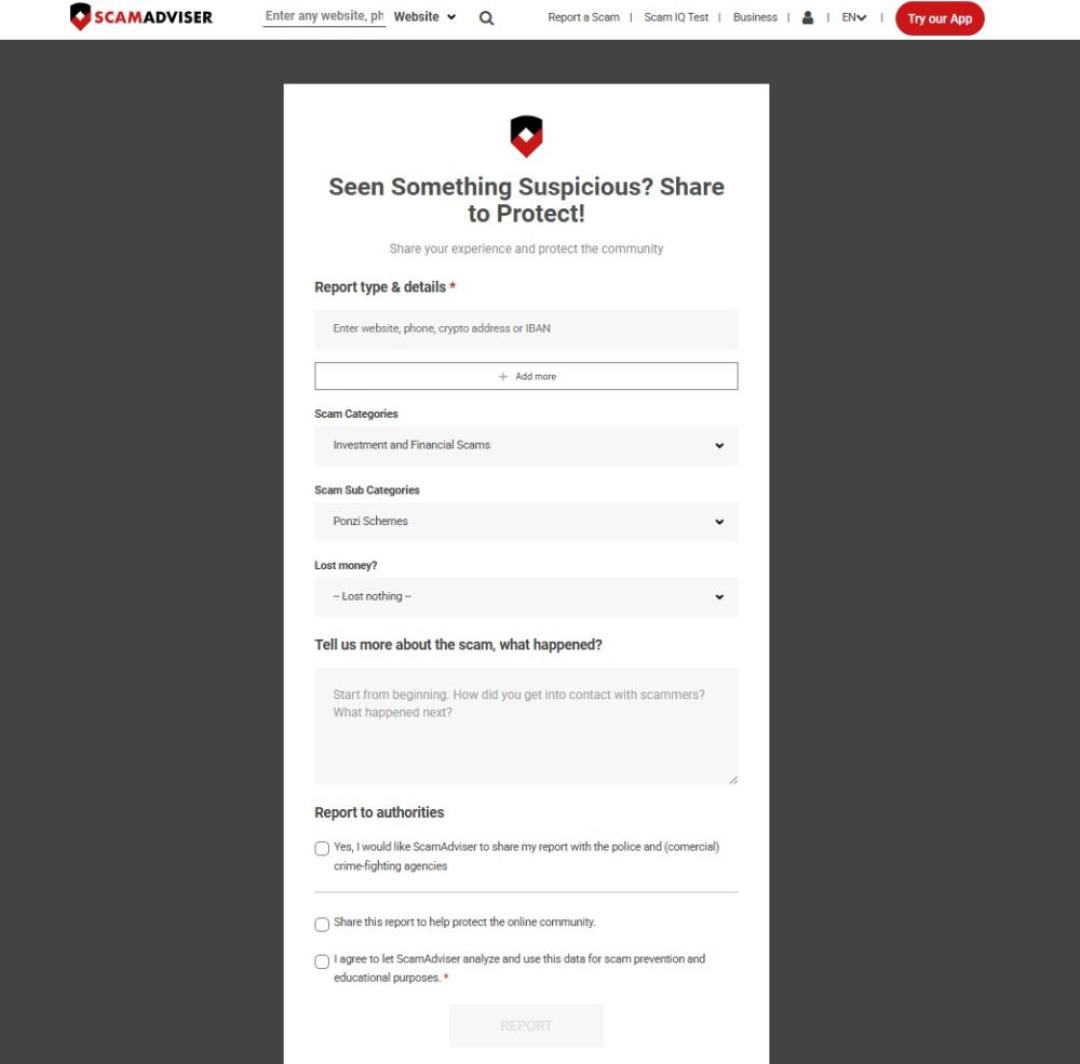
Don’t forget to use the “Report a Scam” function on ScamAdviser and help us keep the internet safe (Image Credit: ScamAdviser)
Can scanning a QR code alone steal my information?
Scanning and previewing a QR code usually does not give away your password by itself, but the page it opens can ask you for sensitive information or account access.
How can I check a QR code without trusting the website?
Preview the destination first, read the domain carefully, and check the website separately before entering anything.
What should I do if a QR code opened a fake bank website?
Close the page, and contact your bank straight away if you entered card, banking, or login information.
Can a fake QR code steal my Discord account?
Yes, if a scammer convinces you to scan their Discord login code and you then approve that login on your phone.
